How to launch a course funnel in 30 minutes
The exact order to build a course funnel in: the offer, one page, a checkout with a bump, one upsell, and the emails. With an AI doing the building, it's a 30-minute job.

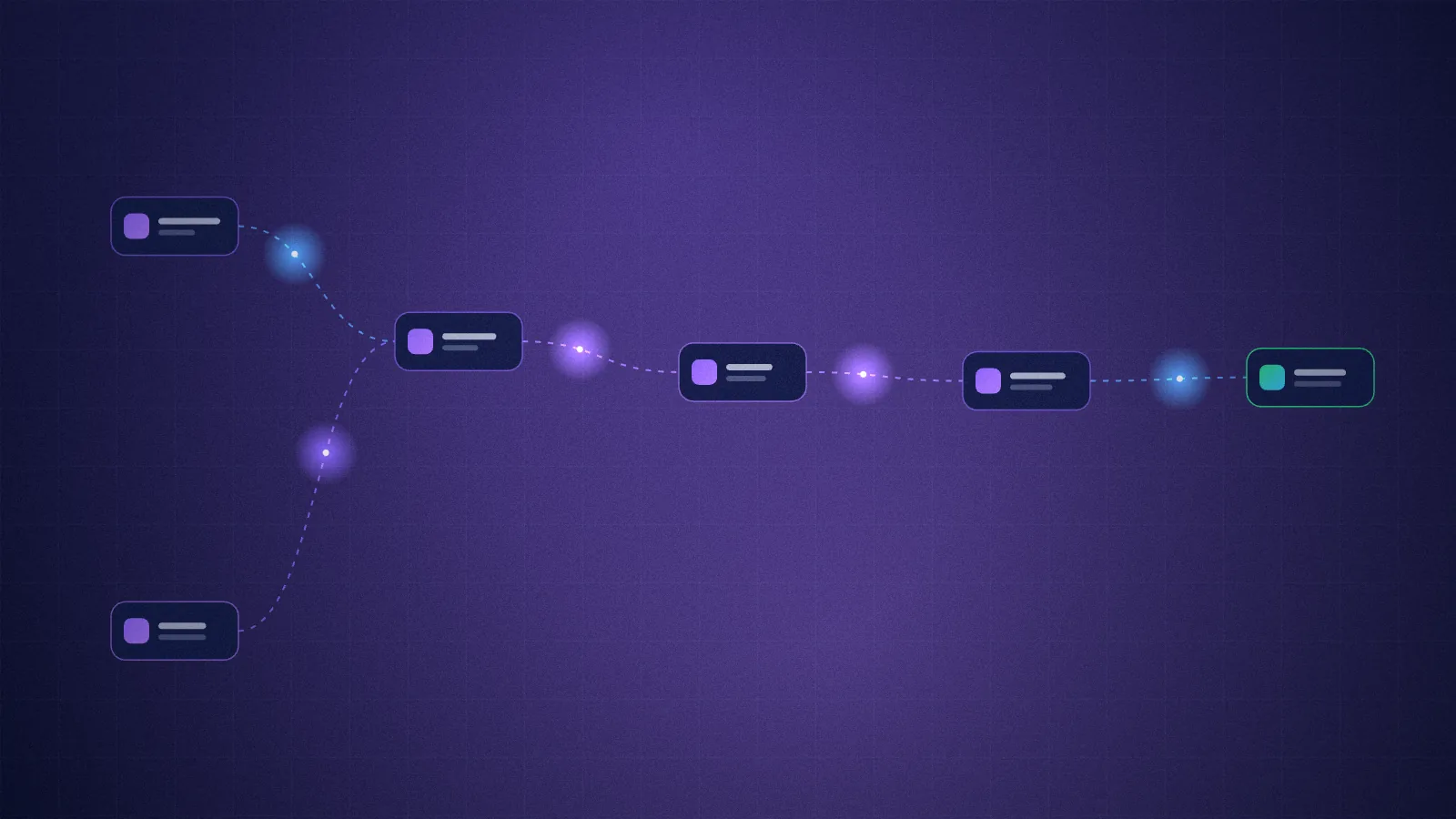
A course funnel has five parts: a one-line offer, one sales page, a checkout with an order bump, one upsell after payment, and the emails that follow up. Build them in that order and, with an AI agent doing the building, you can be live in about 30 minutes. The course itself takes longer, so have it recorded first (or start with the first module and say so).
Here's each step, what good looks like, and what to tell the AI.
1. Write the offer in one sentence (5 minutes)
"A 6-lesson video course that gets freelancers budgeting in a weekend, $49."
If you can't say it in one line, the page won't either. The sentence needs four things: what it is (6-lesson video course), who it's for (freelancers), the result (budgeting in a weekend), and the price.
Pick the price before you build. For a first course, $29 to $99 is an easy yes; above about $150, plan to offer a payment plan (plans vs subscriptions).
2. One page, one button (10 minutes)
The sales page needs, in this order:
- A headline that's the result: "Budget like a grown-up in one weekend."
- The problem, in their words.
- What's inside: the lessons, one line each.
- Who it's for, and who it isn't for.
- Who you are, in three sentences, with a photo.
- The offer: price, what they get, a guarantee.
- FAQ, then one more buy button.
Tell your AI the sentence from step 1 plus a few lines about you, and it writes the first draft in that structure. Then read every line and make it sound like you. Leave out reviews until you have real ones. Never invent them.
3. Checkout on the page, with a bump (5 minutes)
The checkout should open in a window on your page, not send people to a different-looking site. Before the card form, offer one small add-on: the workbook, the templates, a cheat sheet, at a third to half of the course price.
That add-on is the order bump, and it's the best-converting offer you'll have. On a live store running this engine, 13 of the 27 people shown the bump said yes. (How to pick and price a bump.)
4. One upsell after paying (5 minutes)
Right after payment, before the download page, offer the next step: a coaching call, a review of their work, the advanced course. One click, charged to the same card, no form. If they say no, offer something lighter, like a shorter call. Then the course.
Keep it to one upsell and one downsell. (How one-click upsells work, and the honesty rules.)
5. Emails that do the follow-up (5 minutes)
Three emails do most of the work:
- The order email: the link to the course, what they bought, a support address.
- A free gift for an email: the first lesson or a one-page checklist, offered in a popup and on the page for people not ready to buy, followed by a short welcome series that sells the course.
- A checkout reminder for people who started checking out and left. It only goes to people who gave their email.
Write the welcome series last, and keep it to three to five emails. They start switched off, so nothing goes out until you've read them.
The 30 minutes, with an AI
With FunnelOnce, the steps above are already built. You open the folder in Claude (the desktop app's Code tab, or Claude Code) and say:
Build a funnel for my course "Calm Money": $49, the $19 workbook as the order bump, a 30-minute call for $79 as the one-click upsell, a free budget sheet for emails, and 3 payments of $19 as an option.
The AI builds the page in the order above, wires up the checkout, the bump, the upsell, the free gift and the emails, puts your lessons in the members area, and runs a full test purchase with fake payments: buy, bump, upsell, decline, lessons, refund. Then it walks you through connecting Cloudflare, Stripe and Resend.
What you do in those 30 minutes: answer its questions, read the copy, buy it yourself with fake money, and look at it on your phone.
After launch
- Share tagged links so you know which post or channel sold. The admin makes them.
- Watch the funnel: visitors, buy clicks, checkouts, payments, bump and upsell take rates.
- Change one thing at a time: the headline, the bump price, the upsell.
If you want the slower, weekend version (including making the product), read launching a digital product in a weekend with Claude. The full course funnel is laid out on the page for course creators.
FAQ
What is a course funnel?
The steps a buyer goes through: a sales page, a checkout with an add-on, an offer after payment, the course itself, and the emails that bring back people who weren't ready.
How long does it take to build a course funnel?
With the steps already built and an AI doing the setup, about 30 minutes, plus time to read the copy and connect your accounts. Making the course itself takes longer.
Do I need a course platform?
No. You can run the funnel and the lessons on your own site with Stripe for payments. See how to sell a course with Stripe without a platform.
Should I add a payment plan?
For courses above about $150, yes: offer the full price and a three-payment plan side by side.