Your vibe-coded landing page can't take money yet: adding checkout, upsells and delivery
Built a vibe-coded landing page with Lovable, Bolt, v0 or Claude? Here's what it's missing to take money, and three ways to add checkout, upsells and delivery.


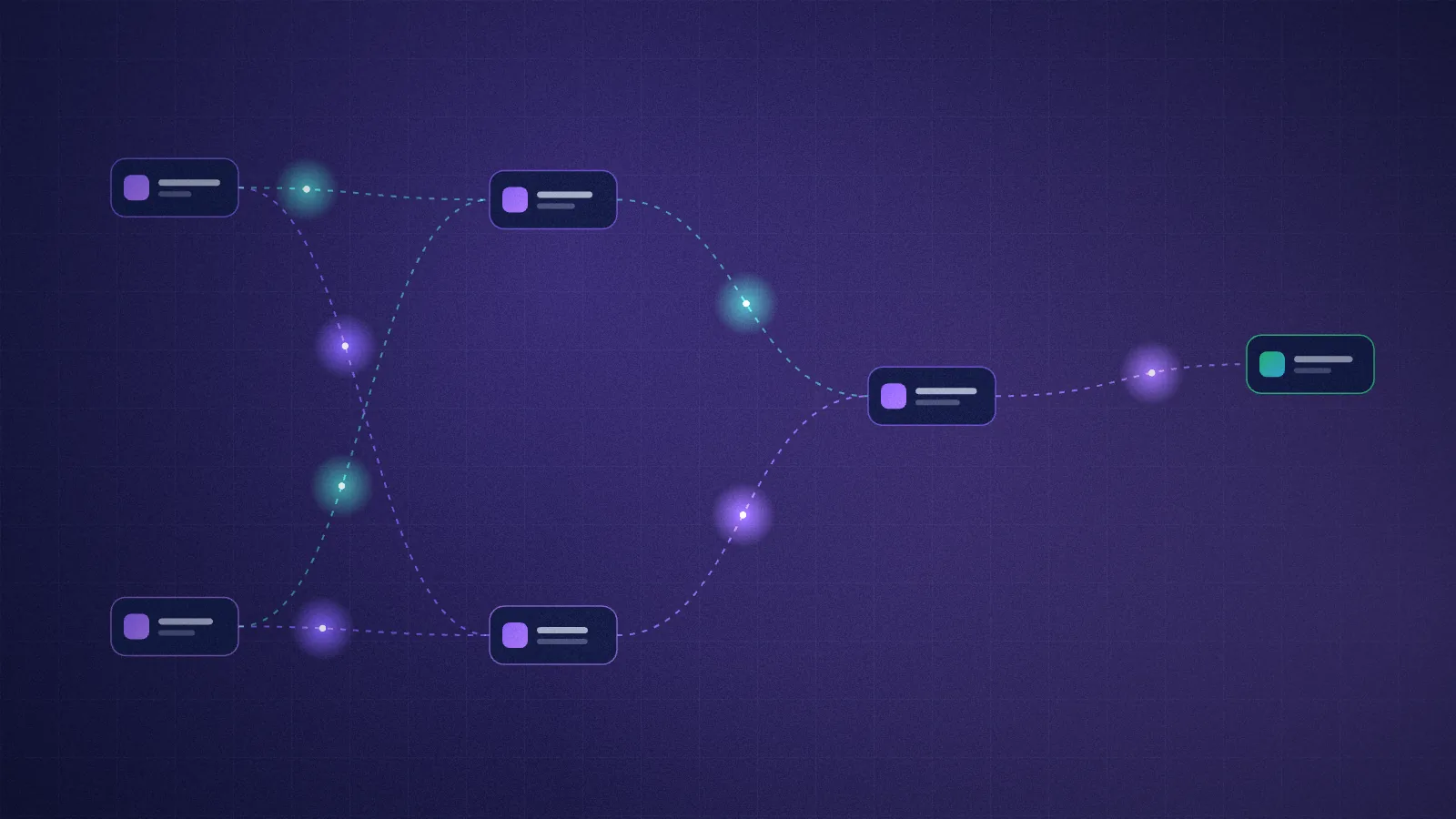
A vibe-coded landing page from Lovable, Bolt, v0 or Claude usually looks great and can't take money. What's missing isn't the page, it's everything around the sale: a checkout, an order bump, an upsell after payment, delivery that closes on a refund, the emails, the tracking and somewhere to host it. You can add those three ways: a Stripe payment link (fastest, no funnel), a funnel platform (you rebuild the page there), or keep your page and put a funnel engine in front of it. The third keeps the page you like and adds the rest.
Here's what's missing, and how each option fills the gap.
What a vibe-coded page is missing
AI page builders are very good at the part you see. Replo, which sells a Shopify page builder, puts the gap plainly in its post on building ecommerce landing pages with vibe code: a vibe-coded page doesn't come with a checkout flow, product syncing, conversion tracking or hosting.
For someone selling a course, coaching or downloads, the list is longer:
- A checkout that opens on the page, with your price set on the server, not in the page.
- An order bump: one small add-on before payment. (What an order bump is.)
- A one-click upsell after payment, with a downsell when they say no.
- Delivery: downloads or a course area only buyers can open, that close again on a refund.
- Emails: the order email with the links, a free gift for people not ready to buy, a welcome series, a reminder for abandoned checkouts.
- Tracking: where visitors came from, who clicked buy, who saw checkout, who paid.
- Hosting on your domain, fast.
The page is maybe a fifth of a funnel. The other four fifths are what make the money.
Option 1: a Stripe payment link
Make a product in Stripe, create a payment link, and put it on your button. Ten minutes, nothing to host on the payment side.
Good for: testing whether anyone will pay at all, before you build anything else.
What you don't get: no order bump, no one-click upsell, no downsell, no gated downloads (you'd email files by hand or link to a public file), no free gift popup, no welcome emails, no funnel numbers beyond "who paid". The buyer leaves your page for Stripe's.
If you only want to know "will one person pay?", start here. It's a fine first day.
Option 2: rebuild it on a funnel platform
ClickFunnels, Kajabi, Systeme.io and the rest have the funnel steps built in. You rebuild your page in their editor, connect Stripe, and pay monthly.
Good for: people who want a visual editor and don't mind the monthly bill.
What you give up: the page you already have. You're recreating it block by block in a different tool, and it rarely looks quite the same. And it's rented: stop paying and it goes offline. The three-year costs are on the comparison page; our take on the biggest one is in a ClickFunnels alternative you own.
Option 3: keep your page, add the funnel around it
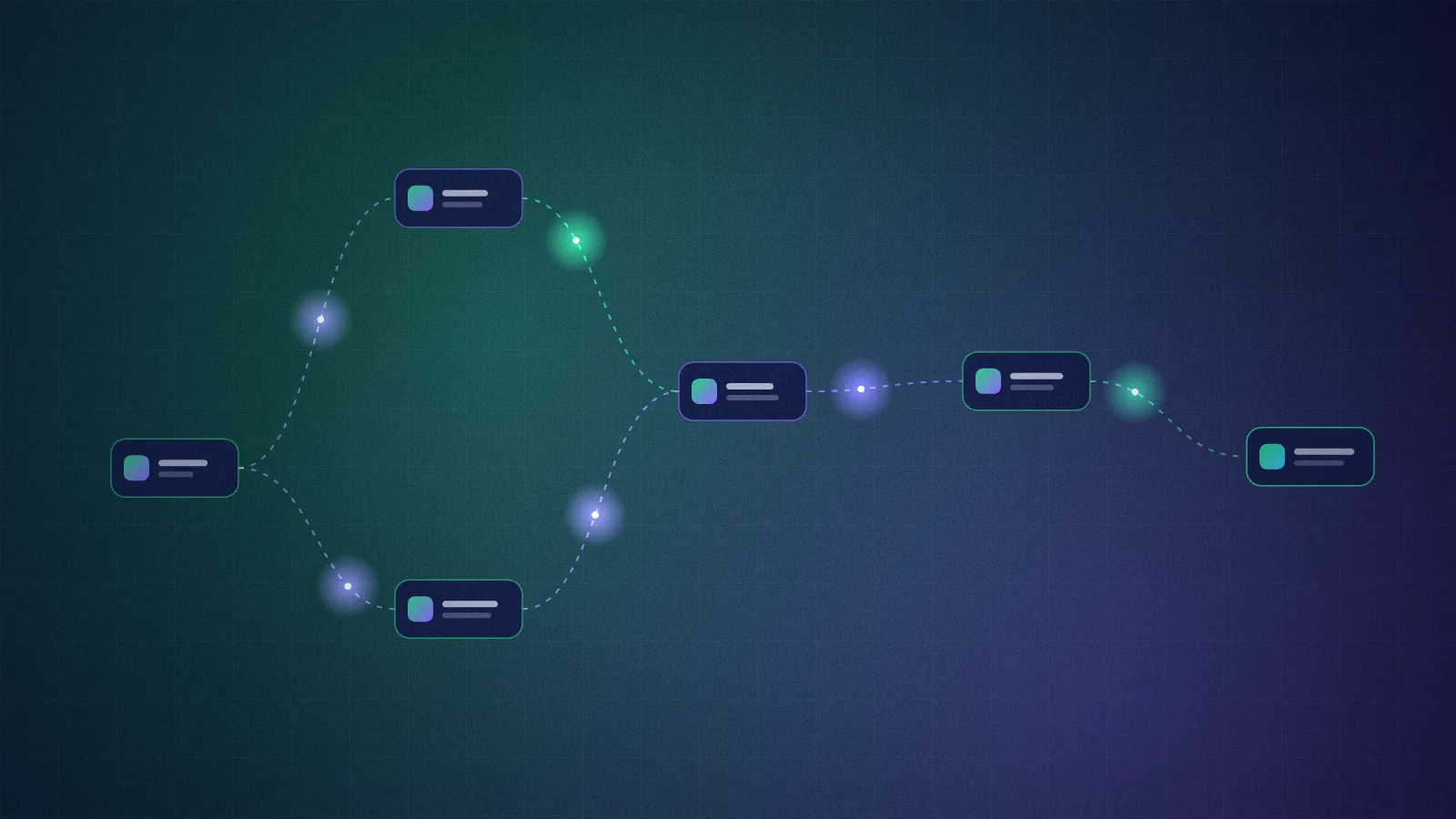
This is what FunnelOnce does. It's a funnel engine that runs on your own Cloudflare account and adds checkout, bump, upsells, downsells, delivery, emails and analytics to pages you already have. Your AI coding agent sets it up. There are two ways in.
3a. Move the page into FunnelOnce
Most AI page builders let you export the code or sync it to GitHub. If your page is plain HTML and CSS (or you ask your agent to turn it into that), it goes straight into the site folder. Then you mark the buttons:
<button data-buy="course">Get the course · <span>lt;span data-price="course">49</span></span></button>data-buy opens the checkout for that product. data-price is filled in by the server from your config, so the price on the page always matches the price charged. Paste this to your agent:
Here's my landing page (in /export). Move it into a new FunnelOnce site, keep the design exactly, and wire the buttons to a $49 product called "course". Add a $12 workbook as the order bump and a $97 call as the one-click upsell.
The agent makes the site, moves the page, adds the config, and runs the whole purchase with fake payments before anything goes live.
3b. Leave the page where it is (proxy mode)
If your page lives on another host and you want to keep editing it there, FunnelOnce can sit in front of it. You create the site with --origin:
node cli/funnelonce.mjs new acme --origin https://your-page.example.comVisitors go to your domain. FunnelOnce fetches your pages from the original host, adds the funnel script to them, and adds its own pages: the offer page after payment, the thank-you page, downloads, the admin. You add data-buy="sku" to the buttons on your original page. Paid files still live in FunnelOnce's private folder, not on the original host.
Being straight about proxy mode:
- Your domain has to be on Cloudflare, because that's where the engine runs.
- It's the least tested of the three ways to use FunnelOnce. Redirects and cookies from the original host pass through as they are. Test your exact page, including any forms, before you rely on it.
- Prices written by the server only reach HTML the server sends. If your page draws its text in the browser after it loads (many React apps do), the buy buttons still work, but write the price into the page yourself.
- Two places to edit. Your page on one host, your funnel in the FunnelOnce folder.
If you can export the page, 3a is simpler. Use 3b when the page has to stay on its current host.
What happens after it's wired up
Either way, the session is the same as any FunnelOnce launch:
- Test with fake money. The agent runs the site on your computer with a fake Stripe and the test kit: checkout, bump, upsell, decline and downsell, download, refund closing access, free gift, admin.
- Check the design. It takes screenshots on desktop and phone, and an automatic check flags low contrast, tiny text and anything that overflows on a phone. Your exported page gets checked too.
- Connect three accounts: Cloudflare to host, Stripe for payments, Resend for email. Each has a free plan to start.
- Dry run, deploy, check. A dry-run deploy first, then the real one, then
doctorto confirm every key and the domain. - One real purchase and a refund, by you, before you tell anyone.
The full walkthrough is in how to build a sales funnel with Claude Code. If you want the payment details, what AI-written Stripe code gets wrong is the list FunnelOnce was built against.
Which option to pick
- You want to know if anyone will pay, today: a payment link.
- You want a visual editor and don't mind paying monthly: a platform.
- You like the page you have and want the whole funnel, owned: keep the page, add FunnelOnce.
Not sure? The two-minute quiz gives a straight answer.
FAQ
Can I add Stripe checkout to a Lovable or Bolt page?
Yes. The quickest way is a Stripe payment link on the button. For a full funnel (order bump, one-click upsell, gated downloads, emails), export the page into a funnel framework like FunnelOnce, or put FunnelOnce in front of the page on your own domain.
Why can't my vibe-coded page just take payments?
It can take a single payment with a payment link. What it doesn't have is the server-side part: prices the browser can't change, delivery that closes on refunds, saving the card for a one-click upsell, emails and tracking. Those need a server, and most page builders only make the page.
Do I have to rebuild my landing page?
No. Export it and move it into FunnelOnce, or leave it where it is and run FunnelOnce in front of it. Either way, you add data-buy to the buttons and keep the design.
What does it cost to add a funnel to my page?
FunnelOnce is bought once. Cloudflare's free plan covers a small funnel, Stripe charges its card fee per sale, and Resend is free up to 3,000 emails a month.